Create the image.
Choose a style and build your prompt section by section. Learn which details make skin, lighting, and surroundings look convincing.
PROMPT STRUCTURE + REALISM AI PHOTO & VIDEO LABAI IMAGES · VIDEO · MONETIZATIONSee the full bundle
 Learn to create hyper-realistic images & videos,
and get paid for them.
16 written lessons, five photo styles, 100 prompts you paste as written. Generate in ChatGPT or Higgsfield, learn to put yourself in the picture from your own reference photos, turn a still into a short clip, and price the work so someone pays for it. Made by the person whose images you have been seeing.
Explore all lessons & 100 prompts ↗ONE-TIME PURCHASE · SELF-PACED · BEGINNER FRIENDLY
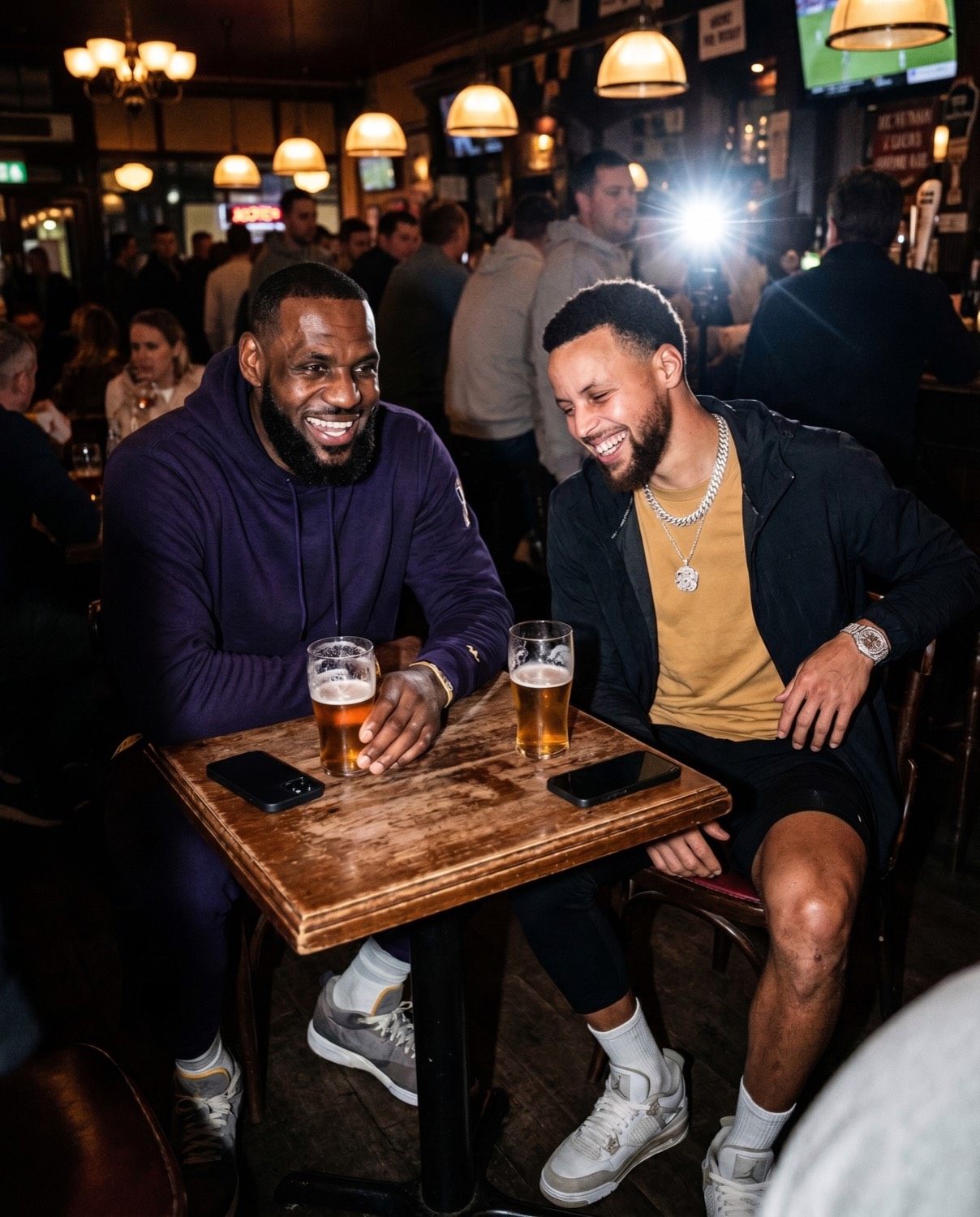 AI-GENERATED · FICTIONAL SCENE
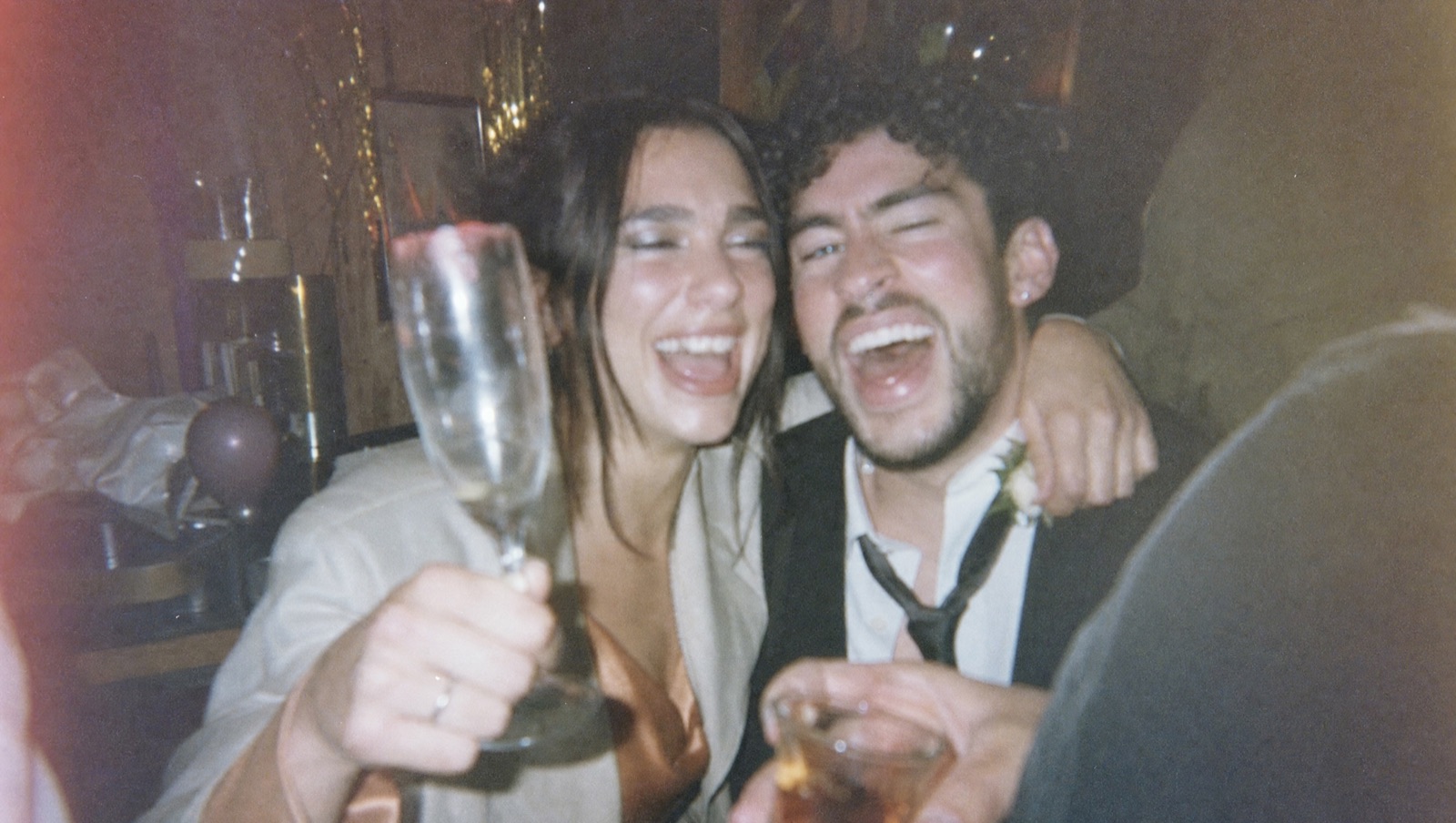 AI-GENERATED
ONE COURSE. THREE PRACTICAL SKILLS.
Hyper-realistic AI images. Learn to direct lighting, skin texture and framing, then fix the details that make an image look artificial.
Image-to-video. Turn a finished image into a short clip. Write movement prompts and check that faces, objects and backgrounds stay consistent.
Ways to earn. Learn to select portfolio pieces, define a visual-service package and explore selling image packs or your own digital products.
Learn here, generate in ChatGPT or Higgsfield. Every lesson gives the steps for both; their usage costs are separate. Selling takes practice and customers; earnings aren’t guaranteed.
Try the teaching before you buy ↗01 / LEARN FIVE REALISTIC PHOTO STYLES
ALL FIVE INCLUDED IN THE COURSE.Choose the look you want to make. Each style gets its own lesson: its five tells, its vocabulary, three complete prompts and the fixes for when it still looks AI.
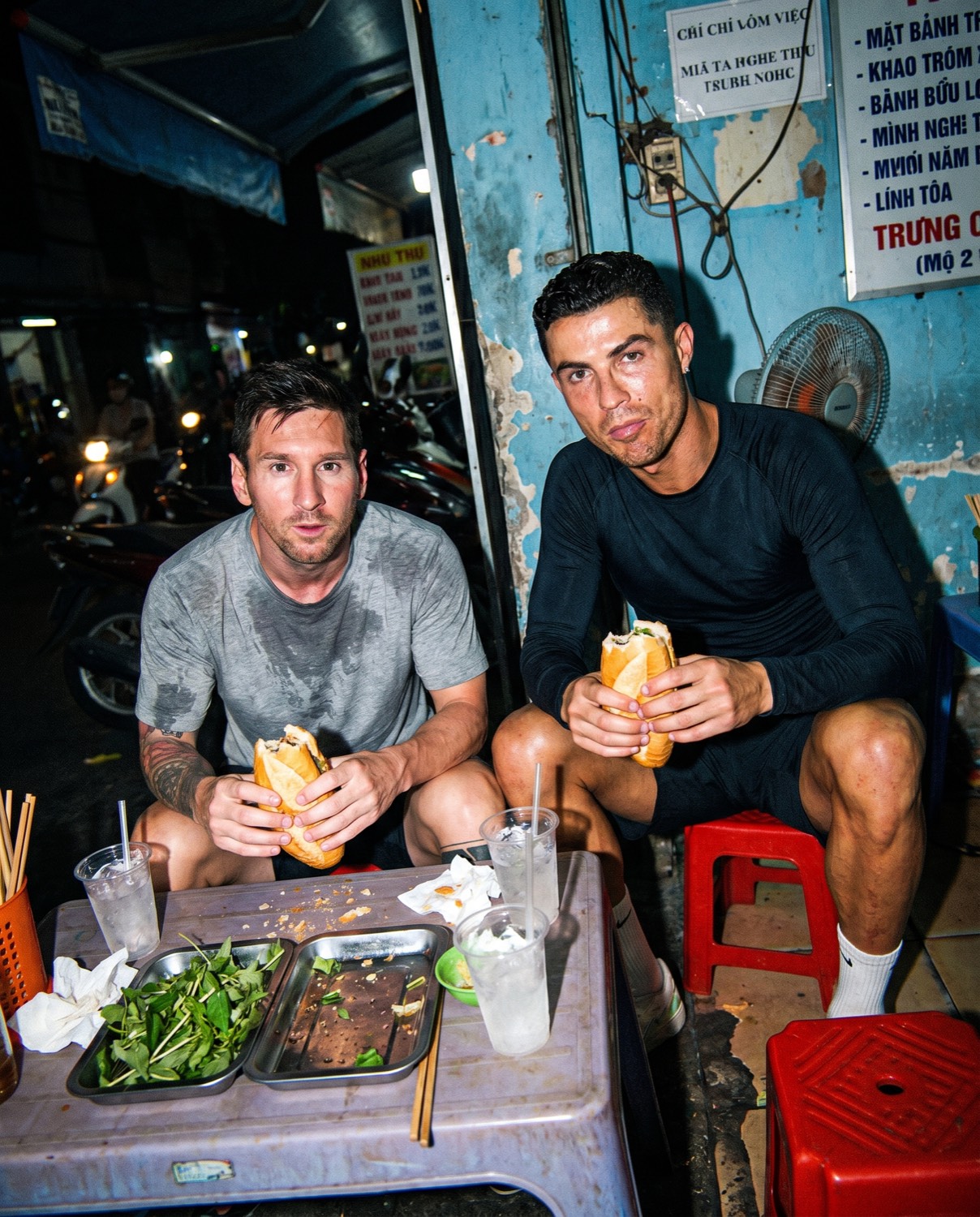 AI-GENERATED · FICTIONAL SCENEFRAME 01 / 03
Hard light. Imperfect framing. A little beautiful chaos. Direct a moment that feels like someone was already there.
All examples shown are AI-generated fictional scenes. People depicted have not endorsed AI Photo & Video Lab. Examples include images supplied by Nik Vanderkamp, illustrations from the original CORE series, and generated concepts.
5 styles · 100 prompts · Image, video and selling workflows.
A FEW DIRECTIONS YOU CAN EXPLORE
These scenes show different ways to direct light, texture and framing. Learn the choices behind the look, then apply them to your own ideas.
Direct flash separates the subject from a blue-hour street. Warm flowers carry the color story.
Mixed light, textured knitwear and a lived-in counter give an environmental portrait its character.
Side light brings out skin, suede and wood. A simple red prop ties the composition together.
Soft focus, grain and an off-center frame create the feeling of a disposable-camera snapshot.
Window reflections and a soft foreground give the scene layers without hiding the subject.
AI-generated fictional scenes, created as visual demonstrations. People depicted do not endorse the course. These are examples of creative directions, not student results or promised outputs.
See how a lesson works ↗02 / HOW YOU LEARN
READ IT. TRY IT. REFINE IT.Choose a style and build your prompt section by section. Learn which details make skin, lighting, and surroundings look convincing.
PROMPT STRUCTURE + REALISMUse a finished image as your starting frame. Direct one movement at a time and check faces, hands, and backgrounds for unwanted changes.
IMAGE-TO-VIDEO WORKFLOWSCurate a portfolio, define a visual-service package, and learn ways to approach buyers or sell your own image collections and digital products.
PORTFOLIO + MONETIZATION03 / TRY AN INTERACTIVE LESSON
try it yourself ↙Open a photo, explore its visual choices and build your own prompt. Then work through common mistakes and a motion brief. No account needed for the sample.
A guided paparazzi-style lesson, from the first visual choices to a motion prompt.
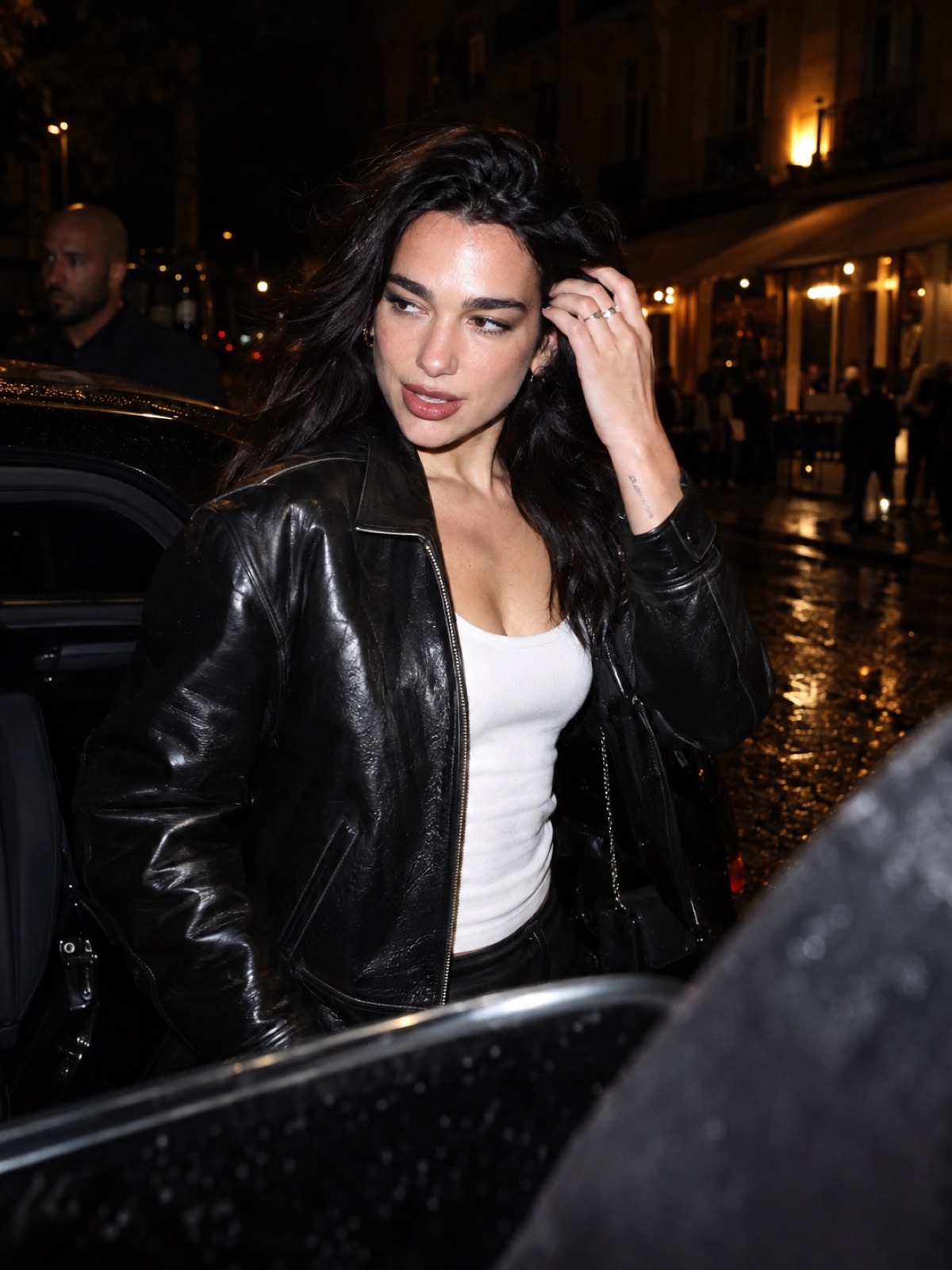
NO ACCOUNT NEEDED
Choose a starting prompt and adapt the subject, scene and light. Use the explanations to decide what to keep and what to change.
Learn to diagnose plastic skin, impossible lighting, awkward hands, and overly perfect framing—then make a targeted revision.
Choose images that show a consistent style. Use the selling exercises to define what a client would receive and how you would price the work.
Hyper-realistic images, image-to-video, and ways to sell your work.
04 / LEARN WAYS TO MAKE MONEY WITH AI VISUALS
The monetization chapters explain different business models. Choose a direction, build examples, and test whether buyers want your offer.
Learn to curate a sample portfolio and define an image or short-clip package for a business. Work through scope, pricing considerations, and outreach.
Explore selling themed image collections, prompt packs, or your own resources. Learn to choose a niche and package something a buyer can use.
Build a series around an original character or visual concept. Explore audience-building and monetization routes as your work develops. No income or follower results are promised.
Create images. Make videos. Develop an offer. One self-paced course.
05 / GET THE COMPLETE COURSE
Learn the process from prompt to portfolio, with 16 written lessons, the exact prompts and a log of every experiment you run.
16 written lessons, five photo styles and 100 editable prompts. Learn the image, video and selling workflows at your own pace.
AI generation happens in external tools.
Their usage fees or subscriptions are separate.
SEE HOW THE COURSE TEACHES
Follow an actual natural-light portrait from its first generation through a targeted edit. See the exact prompts, compare both outputs, and learn what to check before keeping the result.
Open the worked example ↗Written, self-paced teaching. Generate in your own external AI tool.
06 / BEFORE YOU BUY
A self-paced written course with 16 lessons, five photo styles and 100 editable prompts. You’ll learn the five tells that give AI images away, the eleven-section prompt, how to generate photos of yourself from reference images, how to turn images into video, and four ways to sell the skill. Every lesson ends with an experiment you run in your own tool.
Start with the free lesson. It explains the image, builds an editable prompt, and walks through common fixes. You’ll need an account with an external image generator to create your own results.
No. You learn here and generate in ChatGPT or Higgsfield; every lesson gives the steps for both. ChatGPT is the cheaper path and covers stills and edits. Higgsfield adds more models (Nano Banana Pro, GPT Image 2.5, Seedream) and video (Kling, Veo). Results vary by model and usually take a few attempts.
No. Every example is AI-generated and depicts a fictional scene. The people shown are not customers, collaborators, or endorsers. An AI label does not grant commercial likeness rights; check permissions and platform rules for your intended use.
Yes. The course teaches monetization approaches, including freelance visual services, image collections, content channels, and digital products. You’ll learn to develop a portfolio and an offer. Income depends on your work, costs, and ability to find customers; the course does not guarantee sales.
This version uses interactive lessons, visual examples, and written workflows. It includes instruction for turning stills into video, rather than recorded video classes.
Browse the photo styles, try the free paparazzi lesson and explore the learning studio. This local build also includes a demo buyer flow. Live purchases are not open; seller details and purchase terms still need to be finalized.
Learn how to create hyper-realistic AI images & videos, and get paid for them.
16 written lessons + 100 prompts. One payment.